Little Elsewhere
Little Elsewhere · No. 02 · Guide

How Borrowmere works

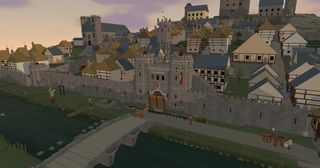
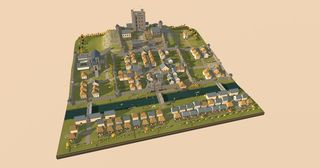
A walled town of the English Marches, 1380s, in miniature. It keeps its own clock; this is how to watch it, steer it and change its weather.

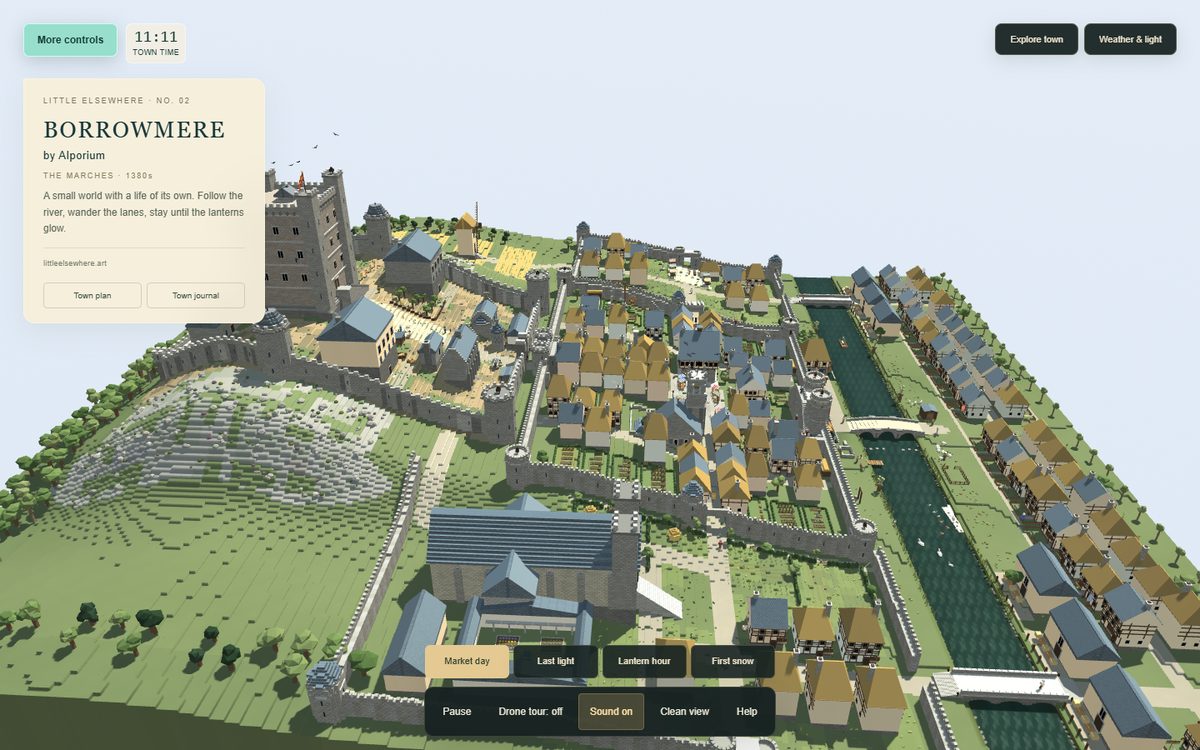
Borrowmere with its controls open: the title card, the town clock, Explore town, Weather and light, and the four moments along the bottom.
01

It opens flying

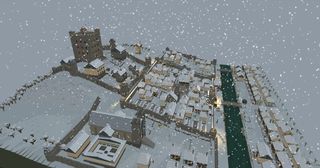
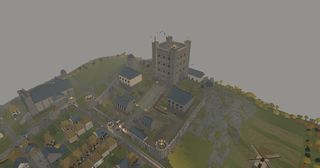
Borrowmere starts in a clean view with the drone tour on: a slow circuit of the snowy town, gliding in to its landmarks. Touch the scene, move the mouse or press a key and the drone hands the camera back to you.

Leave it alone for a minute and it starts flying again. Show controls (top left), or U, brings the panels back; Esc leaves any mode and restores them.

O
Drone tour on / off
U
Hide / restore the panels
Esc
Leave any mode and restore the controls
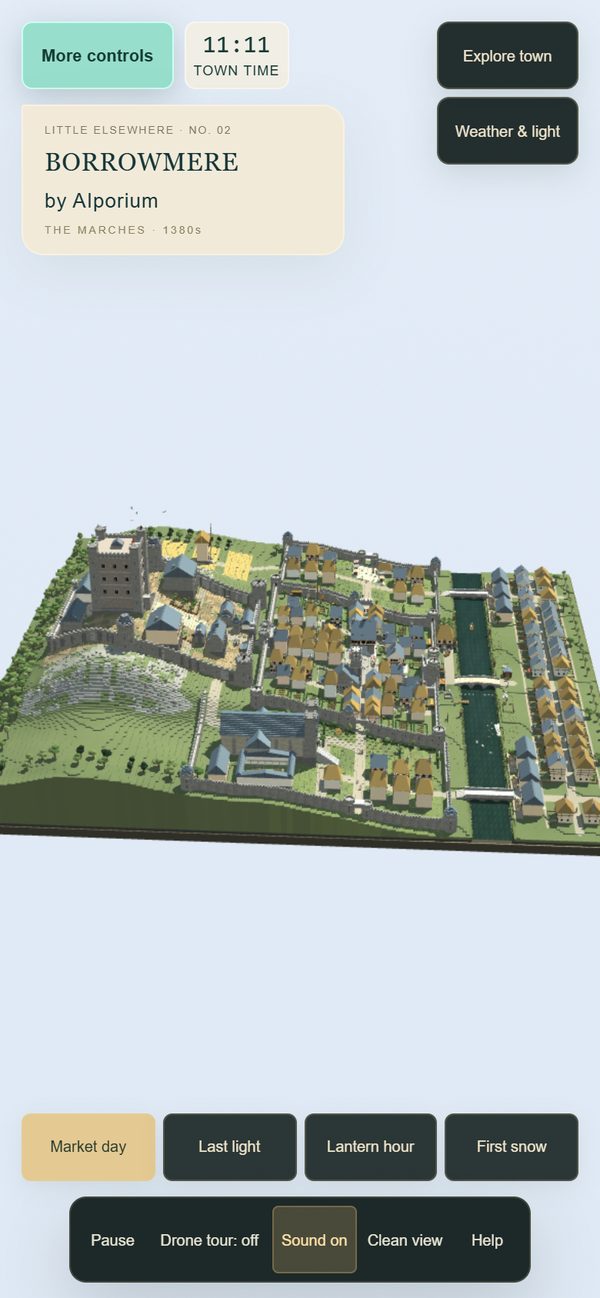
Borrowmere on a phone, with the town plan and journal buttons under the title.
On a phone the same panels fold away; More controls holds the rest.
02

Look around

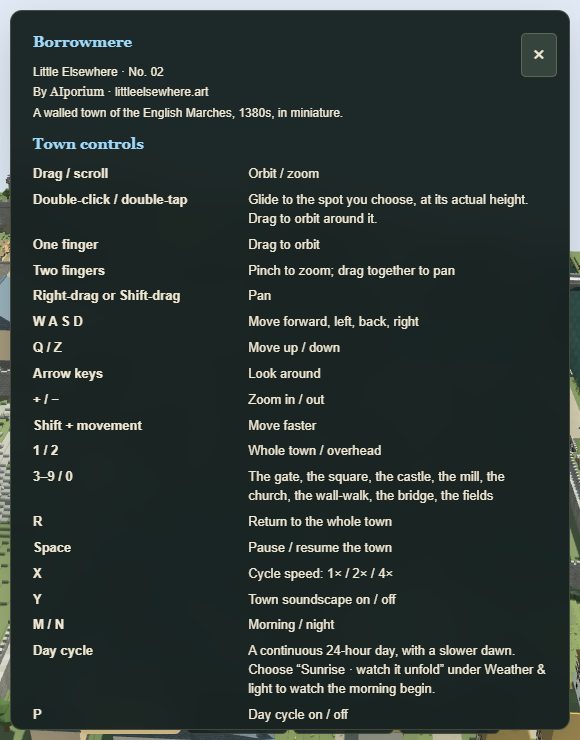
The help card listing the town controls.
The artwork’s own help card (H).

Everything you can do with the camera, on a mouse, a keyboard or a touchscreen.

Drag / scroll
Orbit / zoom
Double-click / double-tap
Glide to the spot you choose, at its actual height. Drag to orbit around it.
One finger
Drag to orbit
Two fingers
Pinch to zoom; drag together to pan
Right-drag or Shift-drag
Pan
W A S D
Move forward, left, back, right
Q / Z
Move up / down
Arrow keys
Look around
+ / −
Zoom in / out
Shift + movement
Move faster
03

Go somewhere

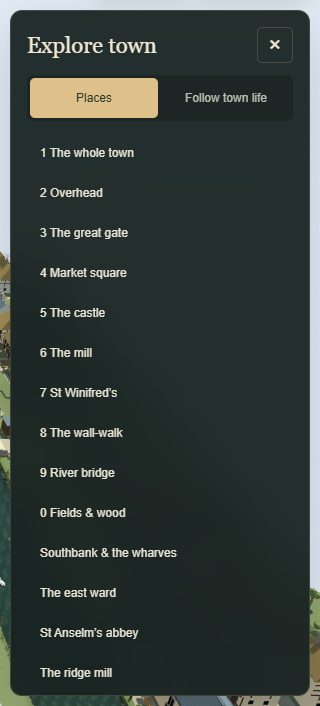
Explore town has two tabs. Places flies the camera to the whole town, overhead, the great gate, the market square, the castle, the mill, St Winifred’s, the wall-walk, the river bridge and the fields and wood, then out to the wider world: Southbank and the wharves, the east ward, St Anselm’s abbey and the ridge mill.

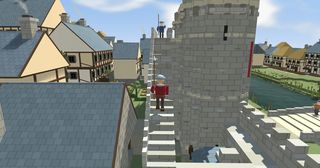
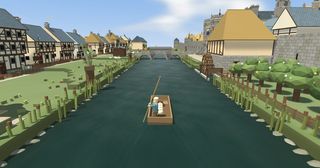
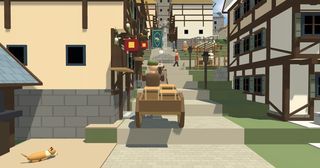
Follow town life stays with the watchman, a cart, the barge or the crane. Watch the lighting, under Weather & light, follows the lamplighter on his round.

1 – 9, 0
The gate, the square, the castle, the mill, the church, the wall-walk, the bridge, the fields
1 / 2
Whole town / overhead
R
Return to the whole town
The Explore town panel, listing the places.
Explore town: Places, and Follow town life.
04

Time, weather and seasons

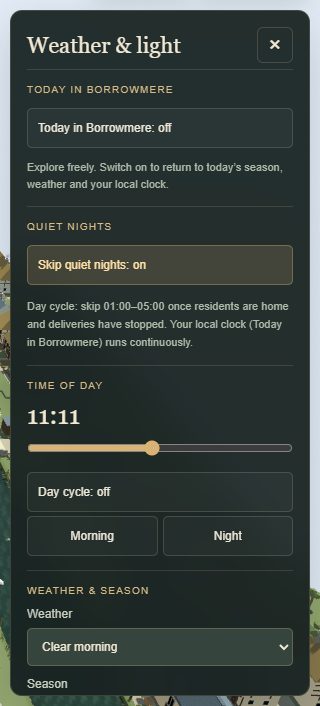
The Weather and light panel, with time of day, weather and season.
Weather & light: the clock, the weather, the season.

Weather & light holds the time of day, the day cycle, the weather, the seasons, the fires and the drawbridge. The day is a continuous 24 hours with a slower dawn; choose Sunrise · watch it unfold to watch the morning begin.

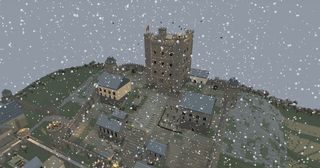
Weather: clear morning, sunrise, golden hour, night, passing rain, river mist, first snow with its gradual cover, and a gale. Seasons: spring, summer, autumn, winter, or let the year turn. River mist fills the valley and leaves the castle floating above it.

P
Day cycle on / off
M / N
Morning / night
X
Cycle speed: 1× / 2× / 4×
Space
Pause / resume the town
05

Four little moments

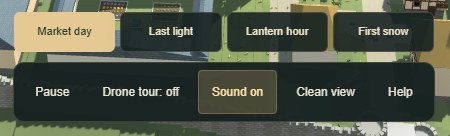
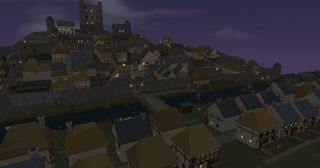
Each moment sets the season, the weather, the hour and the camera together: Market day, Last light, Lantern hour and First snow. The first snow takes about two minutes at 1× to gather into a blanket.

The four moment buttons: Market day, Last light, Lantern hour, First snow.
The four moments sit along the bottom of the screen.
06

The plan and the journal

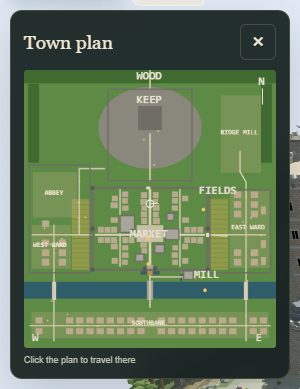
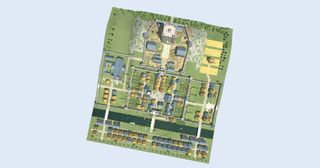
The live town plan.
The town plan: click anywhere on it to travel there.

Town plan is a live map. The ring shows where the camera is looking, and the amber marks are the watchman, a cart, the barge and the crane. Click anywhere on it to travel there.

Town journal shows the clock and what the town is doing. Town life follows the clock: carts queue at the gate at dawn, the market fills the square, the bell rings the hours, and the watch lights the braziers at dusk before the portcullis drops and the drawbridge rises at curfew. Tap a building for its note; Labels name the main ones.

L
Labels on / off
H
Help
07

Sound

The soundscape combines church bells, ravens, close-range duck calls, quiet conversations around groups, the river, rain, hooves, footsteps, the smithy, a lute, the drawbridge and the watch fires. Sounds soften with distance, and snow hushes the town.

Sound starts with your first click or tap, if the browser needs one. Y turns it on and off; the volume is under More controls, View & sound. It pauses with the town.

→

Jump straight in

Each of these opens the real artwork, already set up: the same file you collect, driven by the controls above.