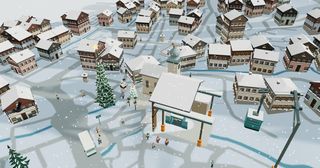
Little Elsewhere
Little Elsewhere · No. 03 · Guide

How Megève works

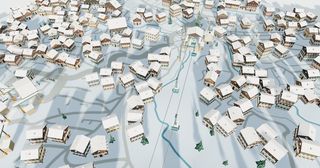
A living winter portrait of Megève, in miniature. It opens in a scenic flight at 10:30 under clear skies; this is how to take over.

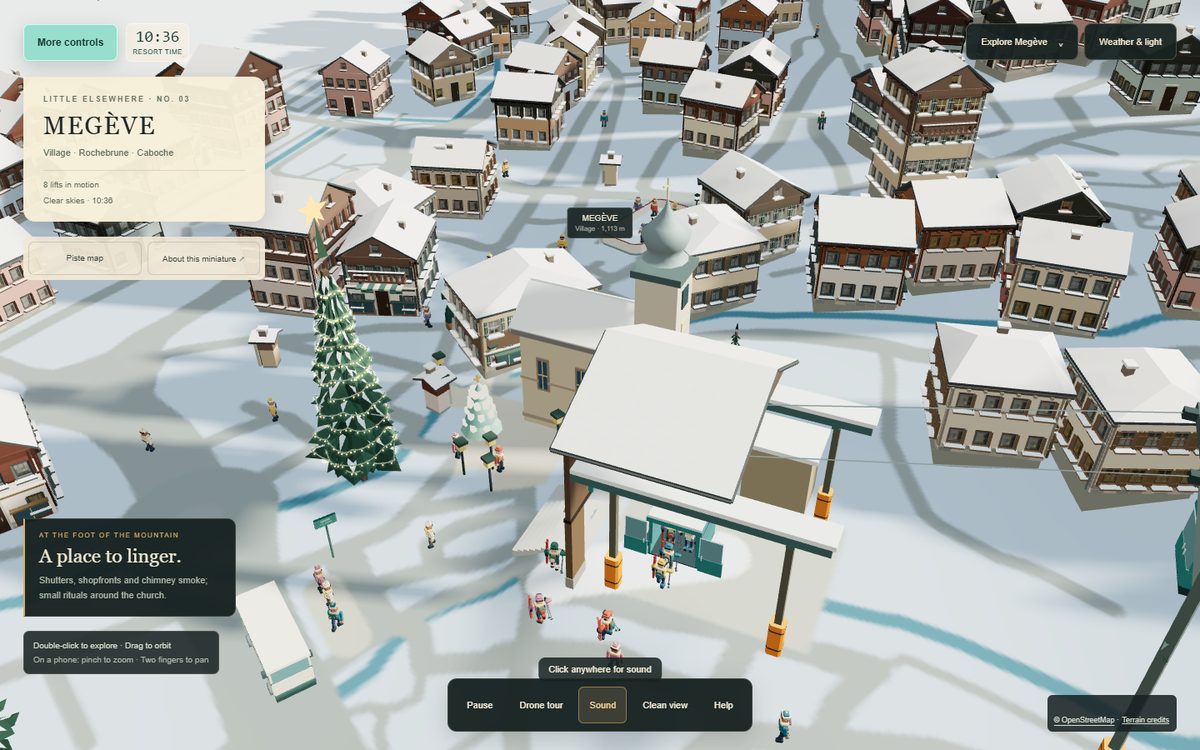
Megève with its controls open: the title card, the resort clock, Explore Megève, Weather and light, and the bottom bar.
01

It opens flying

Megève opens in a clean scenic flight, Drift through Megève: a summit reveal, a sweep down the pistes, then village life and the climb home, over about five minutes. It starts at 10:30 under clear skies with the day and night cycle running.

Touch the scene, or use the movement keys, and you take over from the drone. Show controls (top left) brings the panels back; Esc restores them from any mode.

O
Drone tour on / off
U
Clean view
Esc
Leave any mode and restore the controls
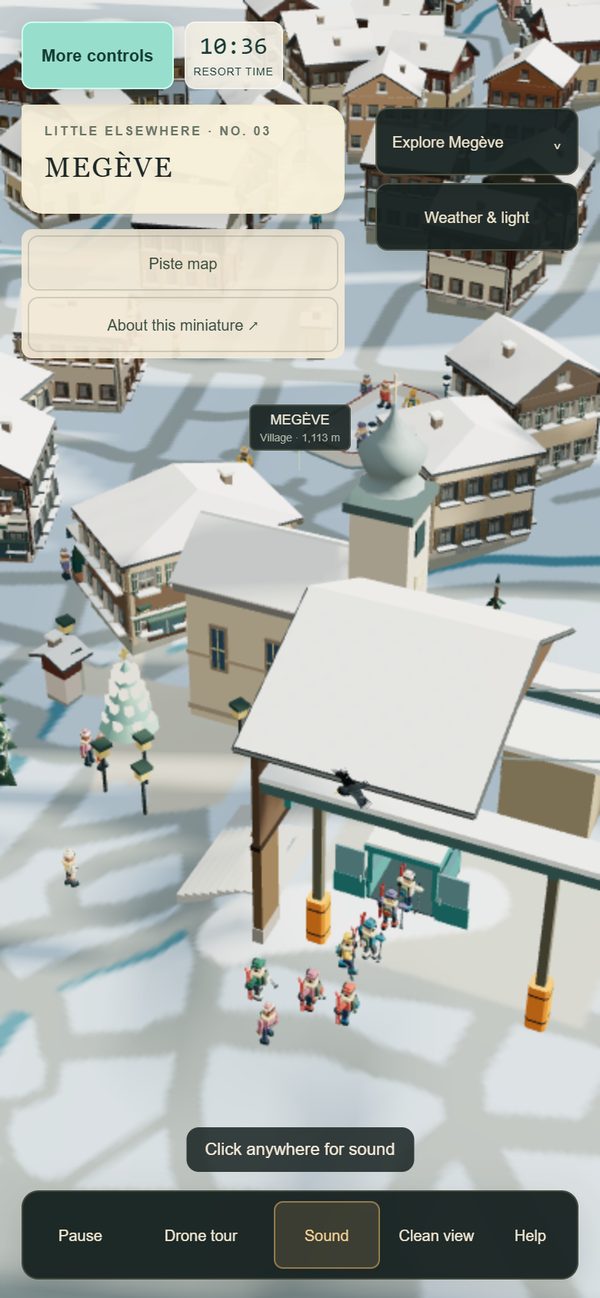
Megève on a phone, with the controls folded away.
On a phone: pinch to zoom, two fingers to pan.
02

Look around

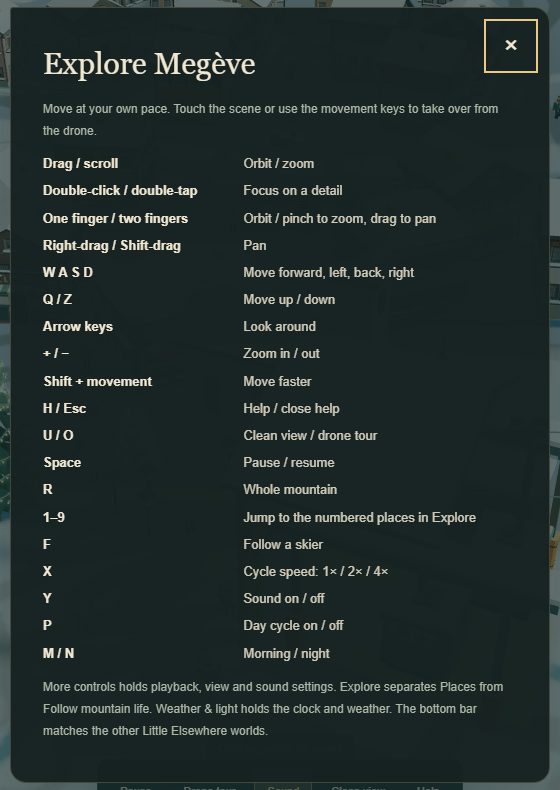
The help card listing the controls.
The artwork’s own help card (H).

Move at your own pace. Everything you can do with the camera, on a mouse, a keyboard or a touchscreen.

Drag / scroll
Orbit / zoom
Double-click / double-tap
Focus on a detail
One finger / two fingers
Orbit / pinch to zoom, drag to pan
Right-drag / Shift-drag
Pan
W A S D
Move forward, left, back, right
Q / Z
Move up / down
Arrow keys
Look around
+ / −
Zoom in / out
Shift + movement
Move faster
R
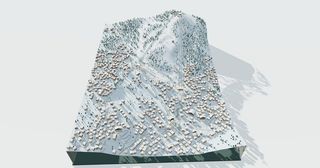
Whole mountain
03

Explore Megève

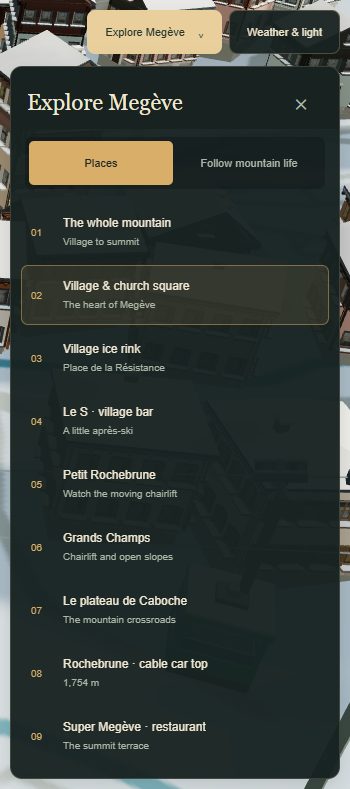
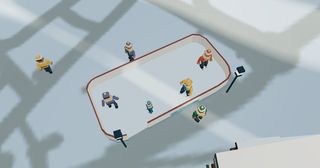
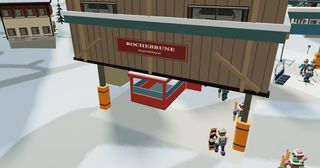
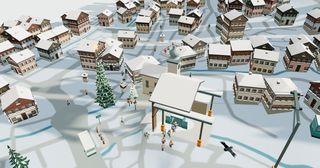
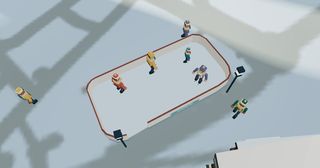
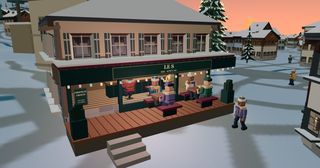
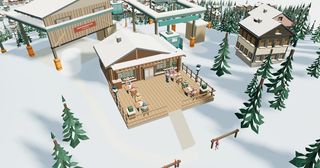
Explore Megève separates Places from Follow mountain life. Places are the whole mountain, the village and church square, the village ice rink, Le S the village bar, Petit Rochebrune, Grands Champs, the plateau de Caboche, the top of the Rochebrune cable car at 1,754 m, and the Super Megève restaurant.

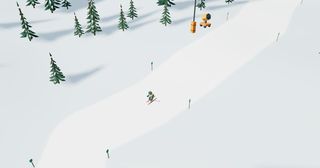
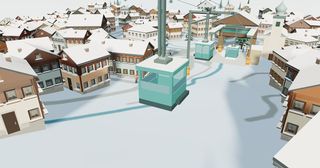
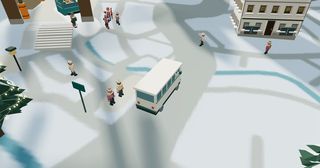
Follow mountain life stays with the village bus, the Chamois gondola, the Caboche gondola, the red cable car, the Rocharbois cable car, or a skier from the lift to the next run.

1 – 9
Jump to the numbered places in Explore
F
Follow a skier
Esc
Let go of whatever you are following
The Explore Megève panel, listing the numbered places.
Explore Megève: Places, and Follow mountain life.
04

Weather and light

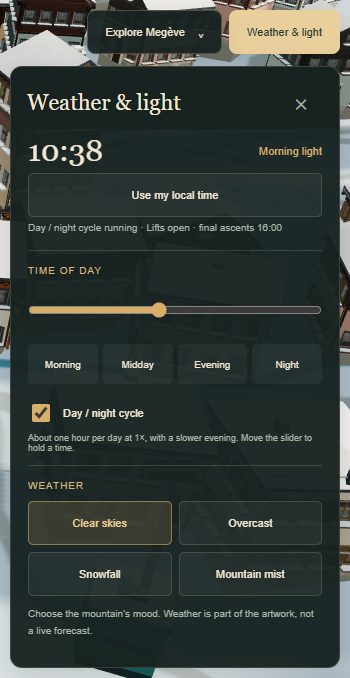
The Weather and light panel, with the time slider and four weather moods.
Weather & light: the clock, and the mountain’s mood.

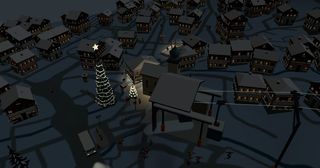
Weather & light holds the clock and the weather. Slide the time of day, or pick morning, midday, evening or night. The day and night cycle takes about an hour for a day at 1×, with a slower evening; move the slider to hold a time. Use my local time follows your own clock.

Weather is part of the artwork, not a live forecast: clear skies, overcast, snowfall, or mountain mist.

P
Day cycle on / off
M / N
Morning / night
X
Cycle speed: 1× / 2× / 4×
Space
Pause / resume
05

The piste map

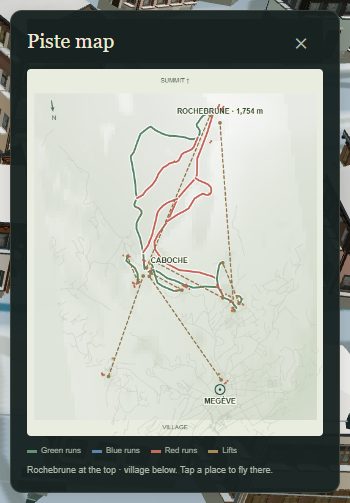
The Piste map draws the green, blue and red runs and the lifts, Rochebrune at the top and the village below. Tap a place on it to fly there. The artwork counts eight working lifts and eleven piste sections.

The piste map, with green, blue and red runs and the lifts.
The piste map: tap a place to fly there.
06

More controls

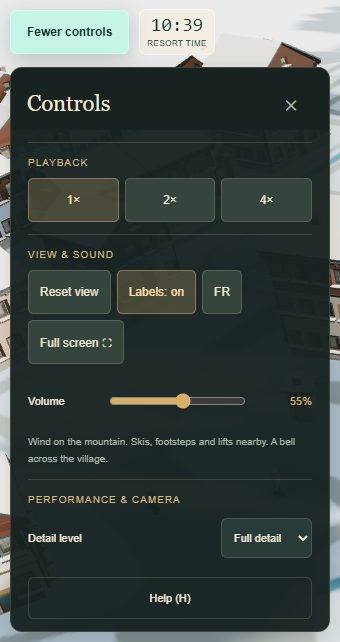
The More controls panel: playback speed, view and sound, detail level.
More controls: playback, view and sound, detail.

More controls holds playback (1×, 2× or 4×), the view (reset it, turn the labels on or off, switch the language between English and French, go full screen), the sound volume, and the level of detail.

The soundscape is the wind on the mountain, skis, footsteps and lifts nearby, and a bell across the village. It starts with your first click or tap, if the browser needs one; Y turns it on and off.

Y
Sound on / off
H
Help
→

Jump straight in

Each of these opens the real artwork, already set up: the same file you collect, driven by the controls above.